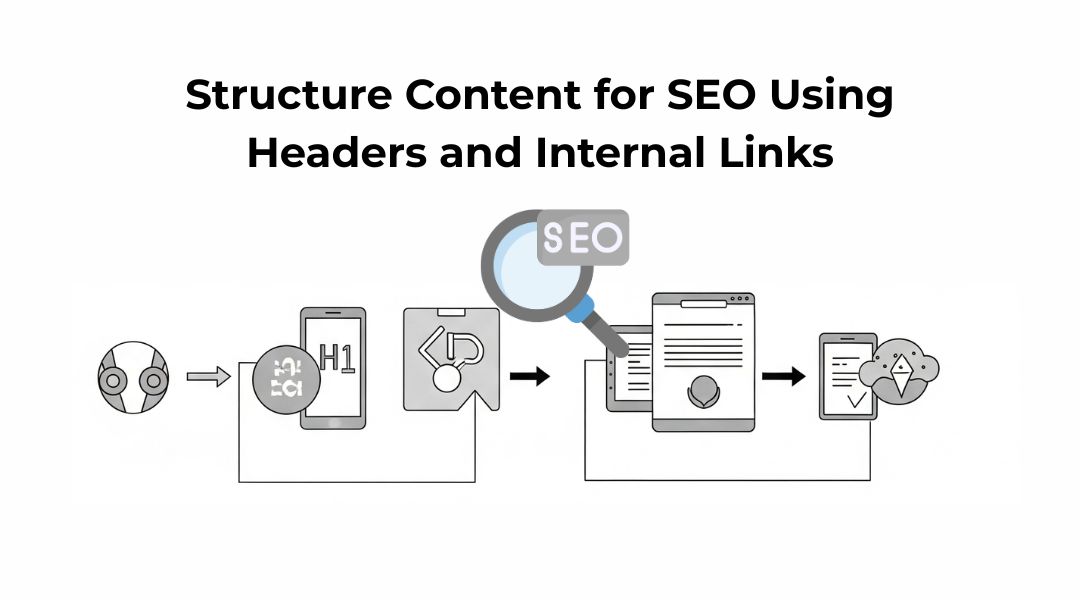
Let’s be honest—most content doesn’t fail because it lacks information. It fails because it’s hard to follow.
If a reader can’t understand your content in 10 seconds, neither can a search engine.
That’s where content structure comes in. And two of the most powerful tools I use to fix poor structure?
Headers and internal links.
In this post, I’ll show you exactly how I use them to guide both users and search engines through my content—cleanly, clearly, and strategically.
What You’ll Learn:
- How I organize content using headers (H1–H3)
- How I use internal links to boost SEO and user experience
- Common mistakes I fix regularly
- A repeatable structure you can apply to any blog or page
If you’re brand new to on-page SEO, start with this guide first. This post builds on those basics.
Why Content Structure Matters for SEO
Google doesn’t read like a human—it scans for signals. The clearer your structure, the easier it is to understand your topic.
When I organize content properly:
- Readers stay longer (good for engagement)
- Pages rank better (because they satisfy intent)
- I build stronger topical authority (via internal linking)
A well-structured page isn’t just easier to rank. It’s easier to trust.
Step 1: Use a Clear Header Hierarchy
Think of headers like signs on a highway. They help readers and crawlers know where they are—and what’s coming next.
Here’s how I break it down:
H1: The Main Topic
- Used once per page
- Matches or complements the page title
- Includes the primary keyword naturally
H2: Main Sections
- Break the page into digestible chunks
- Focus each H2 on a specific sub-topic
- Use language that reflects search intent
H3: Subsections Under H2s
- Add depth to a section
- Support examples, lists, or steps
- Used only when the H2 has enough complexity
I usually don’t go beyond H3. If I feel tempted to use an H4, I take a step back and see if I’m overcomplicating things.
Need a breakdown of each header tag? This post explains H1–H6 clearly.
Step 2: Align Headers with Search Intent

When someone lands on your page, they’re scanning for answers. I write my headers like I’m writing a table of contents—quick clues that show them they’re in the right place.
For example, if I’m writing a post about optimizing meta tags, I might use:
- H2: What Are Meta Titles and Descriptions?
- H2: How I Write Titles That Get Clicks
- H2: Tips for Meta Descriptions That Convert
Each one signals value and progress.
Step 3: Add Internal Links Where They Make Sense
Internal links do two things:
- Help users find related content
- Help search engines understand how pages are connected
I add internal links:
- Inside the body, not just at the end
- Naturally within relevant phrases
- Only when the target page supports the topic
Like this one: If you want to fix low-performing content, here’s a list of common on-page SEO mistakes I often see.
I never force it. If a link doesn’t belong, I leave it out.
Step 4: Use Descriptive Anchor Text
Anchor text (the part that’s clickable) should tell users what to expect.
Instead of:
“Click here to learn more”
I write:
“Learn how I optimize meta tags for better CTR”
The second one helps both readers and Google understand the context of the linked page. It’s small—but it adds up.
Want more on writing effective meta tags? Here’s how I do it.
Step 5: Link to Supporting Content, Not Just High-Value Pages
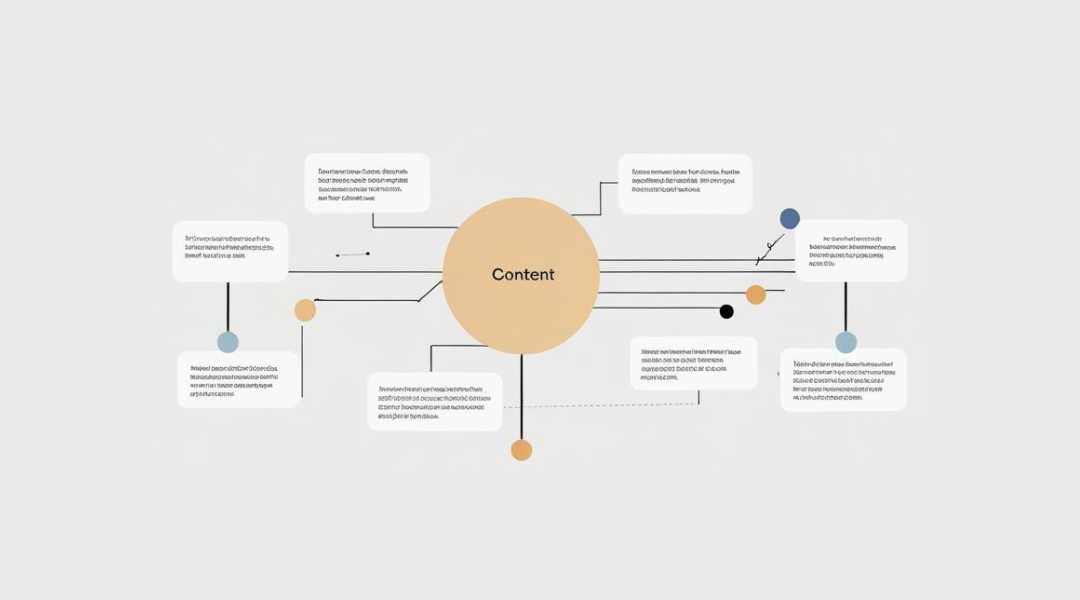
It’s easy to only link to your main service or landing pages. But I also link to:
- Related blog posts
- FAQs
- Glossaries or definition posts
- Visual or how-to guides
This strengthens your internal web of relevance and improves crawlability.
One of my favorite strategies? Link newer content back to older cornerstone posts—and update those cornerstone posts to link forward. It’s a two-way street.
I explain this more in my on-page optimization checklist.
Step 6: Don’t Overdo It
Internal linking works—until it doesn’t.
If a paragraph has 5 links, no one knows where to go. And if every H2 is keyword-stuffed, you lose credibility.
Here’s what I stick to:
- 2–4 internal links per 1,000 words
- Use headers for clarity, not keyword dumping
- Focus on flow first, SEO second
Common Structure Mistakes I See (and Fix)
Using Headers Just for Styling
Heading tags are not font tools. If you’re using an H2 just to make text bigger, stop. Use proper formatting.
Skipping Header Levels
Jumping from H2 to H4? Nope. Google wants a clear hierarchy. If your H3 has no H2 above it, something’s off.
Link Clusters With No Context
Dumping a list of links at the end of a post with no explanation is lazy. I always link within the content where context exists.
My Quick Content Structure Checklist
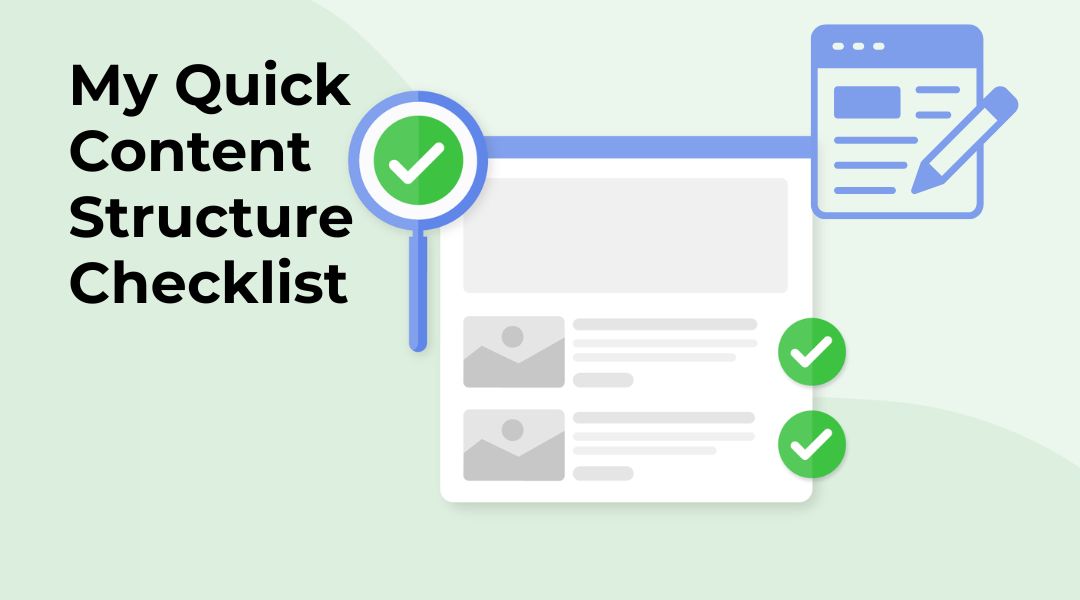
Before I publish, I always ask:
- Is there one H1 only?
- Do H2s clearly separate topics?
- Are H3s used only when needed?
- Are links added where they naturally support the topic?
- Does the structure help the reader skim and stay?
If I say yes to all five, I’m good to go.
The Bottom Line
Header tags and internal links aren’t just technical details—they’re your roadmap. For readers. For Google. For performance.
If you want content that not only ranks but also guides and converts, structure matters more than most realize.
I use this approach on every piece of content I optimize. And it works—not just because it’s clean, but because it’s helpful.
If you’ve got great content but low engagement or weak rankings, structure might be what’s holding you back. Let me help you fix it.