


You’ve written solid content. Your site looks good. You’ve even sprinkled in some keywords. So… why aren’t you ranking?
In my experience, the issue is often on-page SEO mistakes—small things that get overlooked but have a big impact on how search engines see (or don’t see) your pages.
The good news? These issues are fixable. And most of the time, you can correct them without any help from a developer.
In this guide, I’m breaking down the most common on-page SEO mistakes I find during audits—and exactly how I fix them.
What You’ll Learn:
- The on-page SEO mistakes I see most often
- Why they matter for rankings and user experience
- How I fix them with practical, simple solutions
- A checklist to spot and correct these issues on your own site
Need a refresher on what on-page SEO includes? Start with this guide for the full overview.
1. Missing or Duplicate Title Tags
Why It’s a Problem
Title tags tell Google—and users—what your page is about. If they’re missing or duplicated across pages, it creates confusion and can dilute relevance.
How I Fix It
- Add a unique, keyword-aligned title tag for each page
- Keep it under 60 characters
- Front-load the primary keyword
- Make it click-worthy
Need help crafting strong titles? Here’s my method.
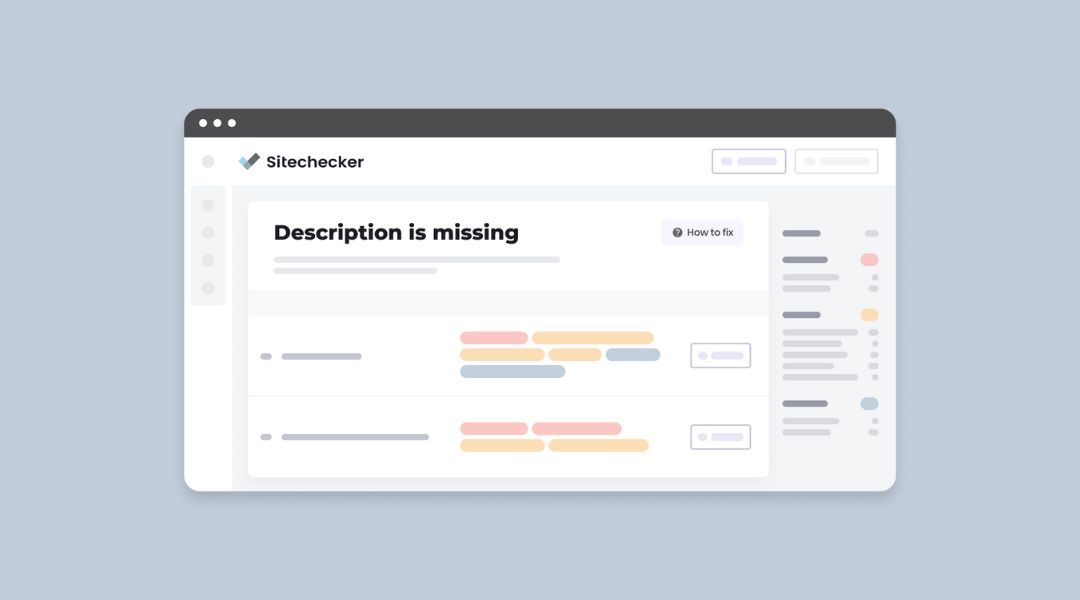
2. Weak or Missing Meta Descriptions
Why It’s a Problem
Meta descriptions influence your click-through rate in search. If they’re missing or vague, Google might write one for you (and not always a good one).
How I Fix It
- Write a clear, helpful summary of the page
- Keep it under 160 characters
- End with a subtle call to action (“Learn more,” “See how,” etc.)
3. Multiple H1 Tags (or No H1 at All)
Why It’s a Problem
Your H1 tag is supposed to signal the main topic of the page. Multiple H1s confuse search engines. No H1? They don’t know what the page is about.
How I Fix It
- Use one H1 tag only
- Match or complement the page’s title
- Use H2s and H3s for sub-sections
For a deep dive into header structure, check out my guide on header tags.
4. Keyword Stuffing
Why It’s a Problem
Repeating the same keyword unnaturally not only makes the content unreadable—it can actually hurt your rankings.
How I Fix It
- Use the primary keyword once in the title, H1, intro, and maybe a subheading
- Sprinkle in natural synonyms and related terms
- Focus on usefulness, not repetition
For more help, here’s how I handle keyword placement.
5. Thin or Outdated Content
Why It’s a Problem
Pages with little to no value won’t rank. Neither will content from 2016 with outdated tips and broken links.
How I Fix It
- Expand thin content with real value (examples, steps, data)
- Update old posts with current info and fresh internal links
- Remove or redirect low-performing duplicate pages
I cover content improvement in this guide on content quality.
6. Poor Internal Linking (or None at All)
Why It’s a Problem
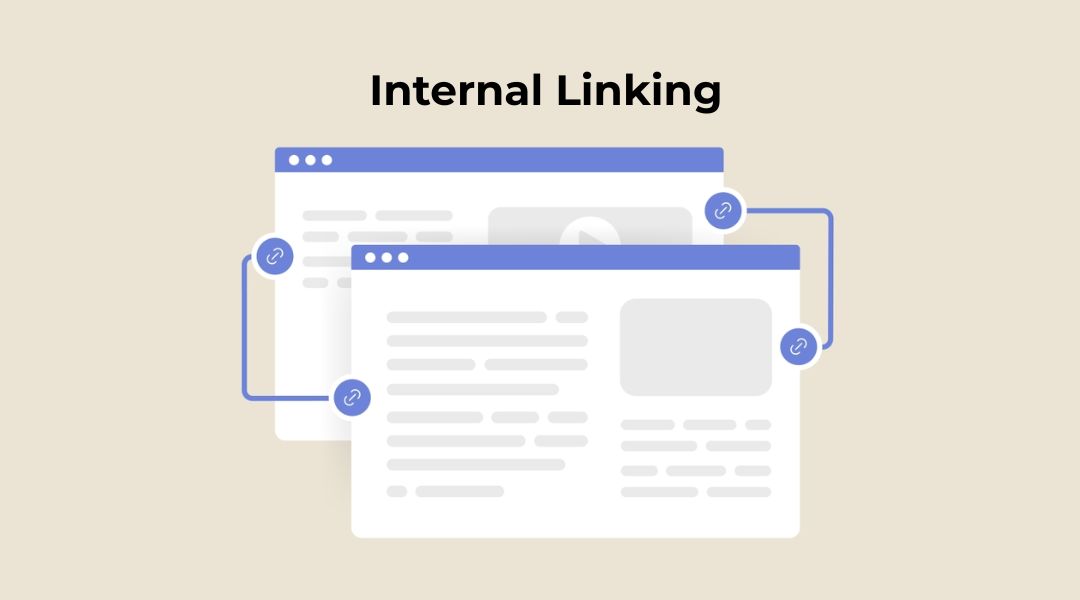
Internal links help users explore more content and help Google understand your site structure. No internal links = dead ends.
How I Fix It
- Add 2–4 contextual links to related posts
- Use descriptive anchor text (no “click here”)
- Link from old posts to newer ones—and vice versa
More on this in my guide to structuring content with headers and links.
7. Unoptimized Images
Why It’s a Problem
Large image files slow down your site. Missing alt text reduces accessibility and SEO context.
How I Fix It
- Compress image files before uploading
- Use descriptive filenames
- Add relevant alt text to every image
Example:
alt=”Blog post SEO optimization checklist”
8. Ignoring Mobile Optimization
Why It’s a Problem
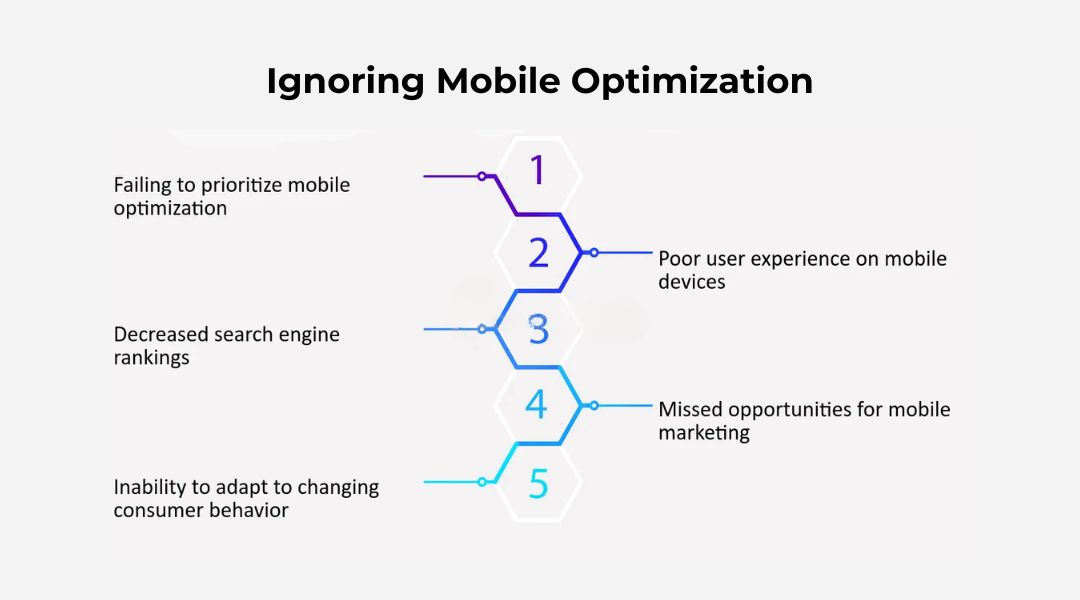
If your content doesn’t load fast or display properly on phones, users bounce—and Google notices.
How I Fix It
- Test with Google’s Mobile-Friendly Test and PageSpeed Insights
- Use responsive design
- Check font size, tap targets, and layout across devices
9. Broken Links or Redirect Chains
Why It’s a Problem
Broken links create a bad user experience. Redirect chains waste crawl budget and slow down loading.
How I Fix It
- Scan with Screaming Frog or Ahrefs
- Fix or remove broken internal links
- Update redirects to go directly to the final destination
10. Index Bloat (Too Many Low-Value Pages)

Why It’s a Problem
If Google is indexing hundreds of low-value or duplicate pages, it can dilute crawl efficiency and harm rankings.
How I Fix It
- Use Google Search Console’s “Pages” report to review indexed pages
- Add noindex tags to paginated, thank-you, or thin pages
- Remove or consolidate similar content
My On-Page SEO Mistake Fixing Checklist
Before I wrap up any audit, I go through this:
- Every page has a unique title and meta description
- Only one H1 per page
- Keywords are used naturally, not forced
- Content is complete, up to date, and valuable
- Internal links are present and contextual
- Images are optimized with alt text
- Mobile experience is solid
- No broken links or redirect loops
- Index is clean and intentional
If I catch any of these issues early, I can fix them before they become ranking blockers.
Final Thoughts
On-page SEO isn’t just about getting the technical details right. It’s about creating content that works—for users and search engines.
These mistakes are common—but every one of them is fixable.
And once you address them, you’ll likely see better rankings, stronger engagement, and more targeted traffic.
Need help running a proper on-page SEO audit? That’s exactly what I do—without the fluff or jargon.



