


Google Ads offers a buffet of campaign types. Search, Display, Performance Max, Video, Shopping… It’s like ordering off a menu where everything sounds good—until the bill comes and you realize half of it wasn’t what you needed.
Over the last 9+ years running paid campaigns, I’ve seen one mistake come up again and again: choosing the wrong campaign type for the wrong goal. It’s one of the fastest ways to burn your budget.
So today, I’m helping you fix that. I’ll walk you through each campaign type, when (and when not) to use them, and how to match them with the right objective.
What We’ll Cover:
- Overview of every Google Ads campaign type
- Pros and cons of each
- Real-world examples
- Recommendations for beginners and service-based businesses
- Links to next-step setup resources
1. Search Campaigns: The Starter (and Still the MVP)
What it is:
Text ads that appear when someone searches for specific terms on Google.
When to use it:
- You want leads or sales from people actively searching
- You sell services (e.g., HVAC, law firm, coaching)
- You want direct response: calls, bookings, purchases
Pros:
- Intent is high (people are looking for your offer)
- Easy to control keywords and budgets
- Great for local and service-based businesses
Cons:
- Can be competitive depending on your industry
- Needs regular optimization to avoid wasted spend
My take:
If you’re new to Google Ads, this is where I recommend starting. It’s simple, powerful, and results-driven. Need help setting it up? This beginner guide walks you through it.
2. Display Campaigns: For Visibility, Not Immediate Conversions
What it is:
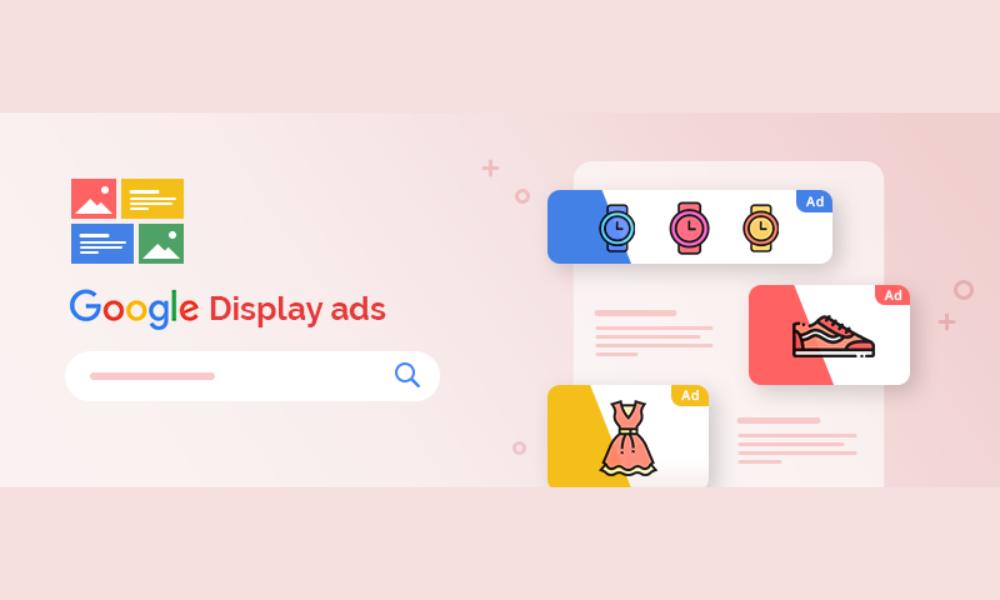
Visual ads that appear across Google’s Display Network (millions of websites and apps).
When to use it:
- You want brand awareness
- You’re retargeting previous website visitors
- You have strong visuals and a clear call-to-action
Pros:
- Great for staying top-of-mind
- Lower CPC than Search
- Works well with retargeting
Cons:
- Lower intent (people aren’t searching—you’re interrupting)
- Easy to get unqualified traffic if targeting isn’t dialed in
My take:
Use Display as support, not your main campaign. Especially effective for remarketing when paired with a solid Search campaign structure.
3. Performance Max: Google’s Automation Powerhouse
What it is:
One campaign that runs across all Google properties (Search, Display, YouTube, Discover, Gmail, Maps) using AI-based optimization.
When to use it:
- You have conversion tracking properly set up
- You want to scale what’s already working
- You’re e-commerce or running multiple channels
Pros:
- Huge reach
- Automates bidding, audience targeting, and placements
- Uses machine learning to optimize
Cons:
- Minimal visibility into where your budget is going
- Limited control over what’s shown and where
- Not ideal for beginners
My take:
Use this after you’ve tested Search and you have solid conversion data. Don’t let Performance Max be your first date with Google Ads—it’s a better second or third campaign. Before using it, check if your conversion tracking is properly set up.
4. Video Campaigns (YouTube): Best for Awareness and Branding
What it is:
Ads that appear before or during YouTube videos, or as standalone video ads on YouTube search.
When to use it:
- You want to build brand awareness
- You have video content with a clear message
- You’re promoting a product visually
Pros:
- Great for brand building and storytelling
- Cost-effective impressions
- Target by interest, keywords, demographics, and more
Cons:
- Requires video production
- Lower direct conversion rate
- Best used in tandem with other campaigns
My take:
If you have good creative and a branding budget, go for it. But pair it with a Search or remarketing campaign to turn interest into action.
5. Shopping Campaigns: For E-Commerce Only
What it is:
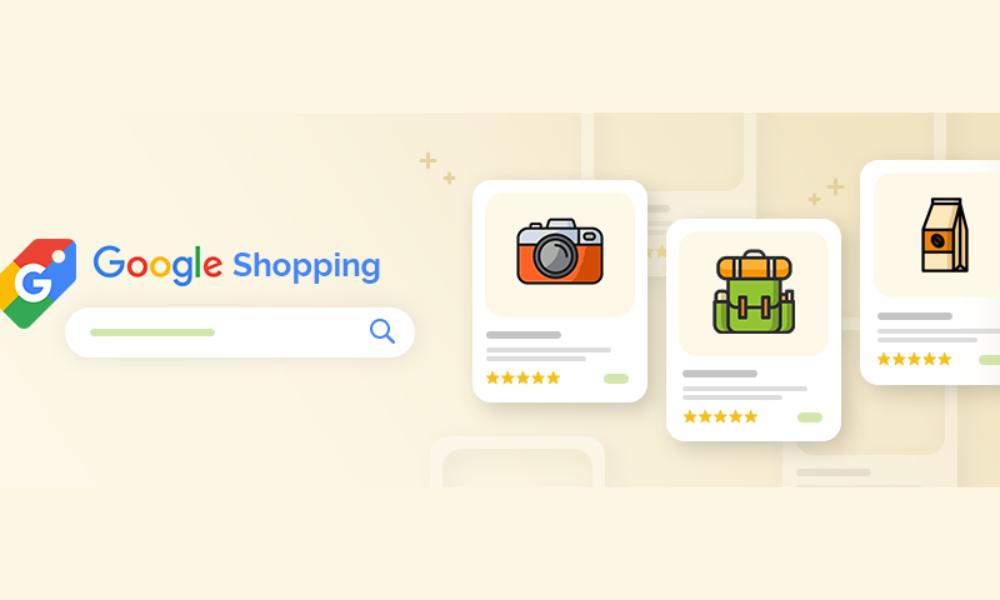
Product-based ads that appear in Google Shopping and on Search results, using your product feed from Google Merchant Center.
When to use it:
- You run an e-commerce store
- You want to show products, prices, and images directly in search
Pros:
- Shows product, price, and store at a glance
- High intent from searchers
- Works great with remarketing
Cons:
- Requires Merchant Center + product feed setup
- Only works for physical products
My take:
If you sell physical products, don’t skip this. Shopping campaigns convert well—especially when structured around product categories and backed by remarketing.
6. Local Campaigns: For Driving In-Store Visits
What it is:
Ads focused on driving store visits, local calls, or directions via Search, Maps, Display, and YouTube.
When to use it:
- You have a physical location
- Your goal is foot traffic or local phone calls
Pros:
- Easy setup (based on location and radius)
- Good for retail, restaurants, service shops
Cons:
- Requires location extensions
- Limited creative control
My take:
Great for physical businesses who just want more people through the door. Set it, monitor it, and adjust based on traffic patterns.
7. App Campaigns: If You’re Promoting an App
What it is:
Runs ads across all Google platforms to get app installs and engagement.
When to use it:
- You have a mobile app to promote
- Your goal is installs, engagement, or in-app purchases
Pros:
- Fully automated placements and bidding
- Easy to set up
Cons:
- Requires a working app
- Minimal control over where ads show
My take:
Only relevant if your business revolves around an app. Otherwise, skip.
So, Which Campaign Type Should You Start With?
Here’s my quick recommendation:
| Goal | Start With |
| Get leads for a service | Search Campaign |
| Sell products online | Shopping Campaign + Search |
| Drive traffic to your store | Local Campaign |
| Retarget previous visitors | Display Campaign |
| Scale with automation | Performance Max |
| Boost brand awareness | Video Campaign |
Still unsure where to start? This setup guide walks through building a campaign the right way—regardless of type.
Bonus Tips Before You Launch
- Always set up conversion tracking first → Here’s how
- Use Expert Mode, not Smart Mode
- Build your negative keyword list early
- Don’t skip your landing page → Tips for improving conversions
Final Thoughts: Choose Based on Strategy, Not Trend
Google Ads is flexible. But flexibility without clarity just creates confusion.
Start with one campaign type that matches your goal. Launch it clean. Monitor it closely. Optimize based on real data. Then—once you know what works—layer in additional campaign types to expand your reach and scale your results.
Still feeling stuck? My full campaign setup guide helps you go from zero to launched—step-by-step.
Need a simplified version? Start with Google Ads for Beginners.



