


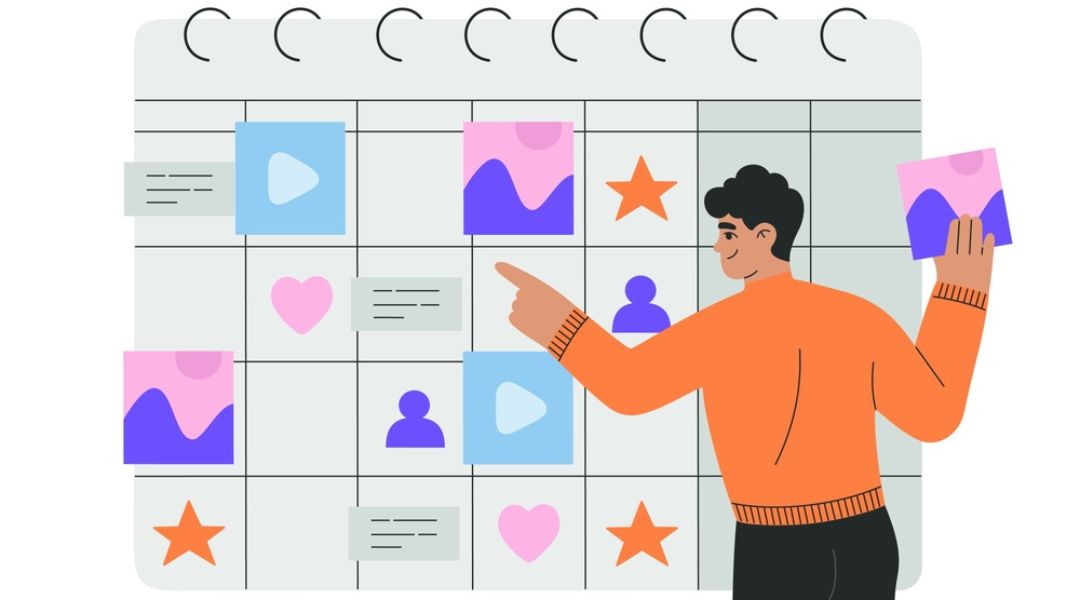
Let me just say it: content scheduling isn’t glamorous, but it’s the quiet hero behind every polished, consistent, and visible brand. If you’ve ever scrambled to post last-minute or totally blanked on what to publish, you’re not alone. I’ve been there. Scheduling turned that chaos into structure—and saved me a lot of headaches (and missed posts).
In this post, I’m walking you through the tools I rely on, the strategies I swear by, and the scheduling system that actually works—even when life gets messy.
What You’ll Get in This Post:
- The exact scheduling tools I use—and why they don’t drive me nuts
- My approach to building a content calendar that keeps me sane
- Best times I’ve discovered for posting across platforms
- How I stay consistent even during busy weeks
- The simple metrics I track (spoiler: likes aren’t everything)
Why Content Scheduling Matters More Than Most People Think
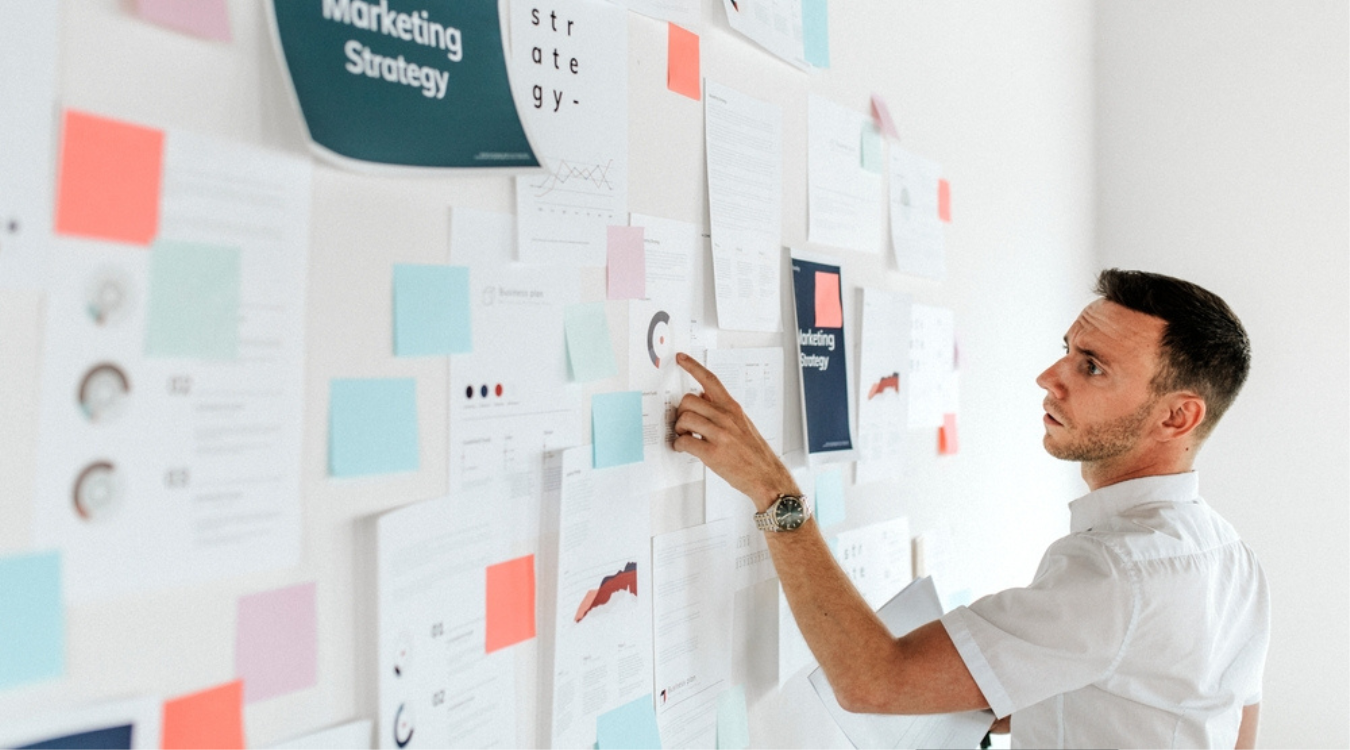
Here’s the deal: posting content without a schedule is like cooking without a recipe. It might work. But more often, it leads to messy results, wasted time, and a lot of stress.
When I first started out, I thought creativity was all I needed. But consistency? That’s what built trust, visibility, and engagement over time. And no, I’m not scheduling posts in my head or keeping things on random sticky notes.
Scheduling allows me to:
- Plan ahead (so I’m not panicking at 9 PM on a Tuesday)
- Maintain a consistent brand voice
- Avoid burning out while still showing up online
If you’re not scheduling yet—or your system is mostly vibes and caffeine—it’s time to level up. A good place to start is this simple guide I put together on why structure matters.
My Favorite Content Scheduling Tools (And Why I Still Use Them)
I’ve tested more scheduling tools than I care to admit. Some were solid. Some made me want to flip my desk. Here are the ones that actually stuck:
1. Buffer
My go-to for quick, no-fuss scheduling. Clean interface, helpful analytics, and solid support. I use this mostly for Twitter/X and LinkedIn.
2. Later
If your brand leans visual (think Instagram or Pinterest), Later is a solid choice. I use it for IG planning, especially when I want to preview how the grid will look. Shallow? Maybe. Effective? Absolutely.
3. Meta Business Suite
The built-in option for Facebook and Instagram. It’s free and surprisingly powerful, especially if you’re already running ads. I love the auto-suggestions and native scheduling features.
4. Trello + Google Calendar Combo
I plan in Trello. I post with other tools. Trello helps me visualize the entire month. It’s color-coded, slightly over-organized, and the only reason I’ve survived product launch seasons.
For a deeper comparison and more tool options, check out this breakdown of top scheduling tools.
My Process for Building a Weekly Content Calendar

Let’s talk structure. Because let’s face it: a pretty tool doesn’t help much without a plan.
Every week, I sit down and sketch out my calendar. Here’s how it usually goes:
- I start with key dates. Launches, holidays, promos, industry events—these are the anchors.
- I build around content themes. For example, I do “Quick Tips” on Tuesdays and “Behind the Scenes” on Fridays. This makes brainstorming 10x easier.
- I mix formats. Static posts, carousels, short videos, polls—variety keeps people interested.
- I leave space for trends. I’ve learned the hard way not to overfill the calendar. Flexibility > perfection.
If you want a head start, I’ve created a simple, easy-to-follow system here: content calendar & scheduling guide.
Best Times to Post: What Actually Works (and What Doesn’t)
There are tons of “best time to post” infographics out there. Some are helpful. Others feel like they were written by someone who’s never actually scheduled a post.
Here’s what I’ve learned from managing accounts across industries:
- Instagram: Evenings (especially mid-week) tend to perform better. Think 6–9 PM.
- LinkedIn: Morning posts between 8–11 AM get the most engagement.
- Facebook: Weekends have been surprisingly strong. Especially Sunday mornings.
- Twitter/X: Depends on your niche, but I’ve seen solid results mid-morning and late afternoon.
The key? Test. Every audience behaves a little differently.
If you’re serious about timing, this post might help: how to schedule content for maximum reach.
Staying Consistent (Without Losing Your Mind)
I used to believe that consistency meant showing up daily. Wrong. It means showing up reliably—in a way that works for you. Here’s how I stay on track:
- I batch content. I write 3–5 posts in one sitting. Saves mental energy. Also pairs well with snacks.
- I use templates. Reusable designs and post formats save HOURS each month.
- I set reminders—but also give myself grace. Missed a post? It’s fine. We’re not machines.
I explain my batching system in more detail here: batching content to save hours weekly.
Metrics I Actually Track (And the Ones I Don’t)
I’m going to say something controversial: I don’t obsess over likes. They’re nice, but they don’t pay the bills.
Here’s what I look at instead:
- Engagement rate – Comments, shares, DMs. Real interaction.
- Saves – On platforms like IG, this shows long-term value.
- Click-through rate – If I’m sending traffic to a blog or offer.
- Post timing vs. reach – Helps refine future scheduling.
Vanity metrics are, well… vanity. If you’re measuring just to feel good, you’re missing the point.
Managing Multiple Channels Without Melting Down
I post across Instagram, Facebook, LinkedIn, Twitter/X—and sometimes Pinterest. But I don’t post the same thing everywhere. That’s the fast track to boring.
Here’s how I keep it manageable:
- Repurpose, don’t repost. I’ll take one piece of content and tweak it for each platform.
- Use platform-native tools where possible. Meta Business Suite has saved me more than once.
- Pick your battles. You don’t need to be everywhere. Show up where your audience actually is.
And yes, once I accidentally posted a TikTok draft caption on LinkedIn. Live and learn.
Need help mapping this out? Try this: social media content calendar.
Wrapping It Up (and Your Action Plan)

Scheduling content doesn’t have to feel like rocket science or a second job. Start with a simple calendar. Pick one tool. Stick to a rhythm that works for you.
Here’s your cheat sheet:
- Choose one tool to test this week. Start with Later or Buffer.
- Map out next week’s content using 2–3 themes.
- Schedule your posts and track engagement for 7 days.
- Tweak based on what works. Ditch what doesn’t.
Want to stay consistent long-term? Don’t miss this post: how to build a calendar that keeps you showing up.
Final Thought
Scheduling gives you freedom. Not to be dramatic, but it lets you work less, stress less, and still look like you’ve got it all together. And hey, even if you don’t? Your audience doesn’t need to know.



