
Testing isn’t a nice-to-have in paid media—it’s how I turn decent ads into high-performing machines. Over the last nine years, I’ve built, tested, and scaled ad campaigns across Meta, Google, and beyond. And if there’s one thing that separates “meh” from “scalable,” it’s structured A/B testing.
This guide isn’t theory. It’s how I run creative tests that actually lead to lower CPAs, stronger CTRs, and ad insights you can use again and again.
What You’ll Learn:
- What A/B testing really is (and isn’t)
- The creative elements worth testing (and what to skip)
- My step-by-step test setup
- Budget-friendly tools I use
- The metrics that actually matter
- Common testing mistakes to avoid
- How to scale what works—without killing results
- When to use A/B vs. multivariate testing
- Examples from real campaigns I’ve tested
Let’s get to it.
1. Know What You’re Testing For
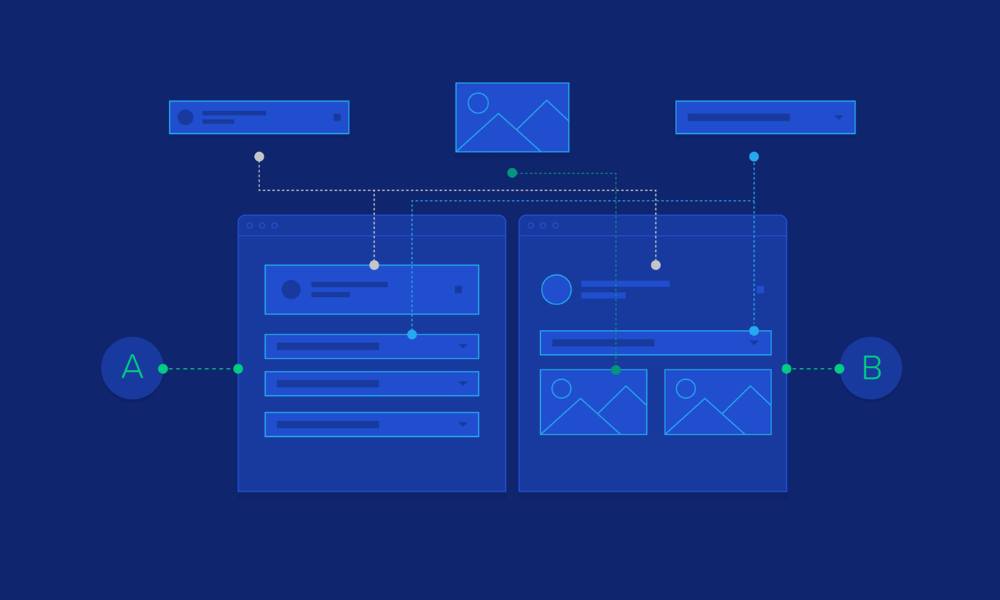
Before I set up a test, I ask: “What am I trying to learn?”
A/B testing isn’t about throwing variations out just to “see what happens.” You need a clear goal. Is it more clicks? Lower cost per conversion? Better engagement?
When I test with intention, I get answers that improve real business results—not just vanity metrics.
Need help tracking conversions properly? Make sure you’re measuring the right actions with clean attribution using this test interpretation guide.
2. Pick the Right Creative Elements to Test
Not everything needs testing. I focus on elements with the highest chance of moving performance:
- Headline: “Start Free” vs. “Get Results in 7 Days”
- Image/Video: Product shot vs. UGC vs. animation
- Primary Text: Short, benefit-led vs. detailed storytelling
- CTA: “See Pricing” vs. “Book Your Demo”
Want a cheat sheet? I’ve broken it down in this article on what to test in creative.
3. Structure Your Test Like a Pro
If you mix variables or change settings mid-way, your results won’t mean anything.
Here’s my clean test setup:
- One variable per test
- Split traffic 50/50
- Same audience, budget, and schedule
- Minimum 7 days (or until statistical confidence)
Once the data comes in, I review and make the call: scale, retest, or retire.
Need help building a test from scratch? This setup guide shows my full process.
4. Use Tools That Save You Time (and Budget)
You don’t need to spend a fortune. I use these tools often:
- Meta Experiments – Ideal for Facebook/Instagram split tests
- Google Ads Experiments – Great for campaign-level testing
- Crazy Egg – Heatmaps and scroll data to validate engagement
- Unbounce – For landing page testing connected to ads
- Split.io – More advanced, useful for product feature tests
Want my full list? I break down the pros and cons in this tool comparison post.
5. Choose Metrics That Actually Matter
Don’t fall for clickbait data. A high CTR is useless if no one converts.
I focus on:
- Conversion rate
- Cost per acquisition (CPA)
- ROAS (Return on Ad Spend)
- Video watch rate or scroll depth (if relevant)
CTR and engagement help early—but I care about the end action. If people click but don’t convert, I rework the message or landing page.
If you’re not sure how to analyze test outcomes, this guide explains my framework.
6. Avoid Common Testing Mistakes
Even solid marketers mess this up. Here are the usual suspects:
- Testing more than one element at once
- Stopping the test too soon
- Running a test without enough traffic
- Changing creatives mid-test
- Choosing winners based on clicks, not conversions
Not sure how long your test should run? Use this timing breakdown.
7. Prepping Before You Hit Launch
I don’t launch tests until I run through this checklist:
- One variable clearly defined
- Conversion tracking set and verified
- Creative variations labeled and easy to compare
- Budget aligned with traffic goals
- Target audience locked and unchanged
A clean test setup means cleaner insights later. Don’t skip this.
8. Optimization: Where the Learning Happens
Once the test ends, the real work begins. I review:
- Which version hit the goal
- Where drop-offs occurred
- Any unexpected trends in audience or placement
From there, I either scale the winner, test another variation, or expand the test to a new segment.
Curious about optimization workflows? Here’s how I do it post-launch.
9. A/B vs. Multivariate: What Should You Use?
Here’s how I decide:
- A/B: One element changes, clear result
- Multivariate: Multiple changes at once, good for high-volume tests
If you’re low on traffic or budget, A/B testing gives clearer answers. Use multivariate only when you’re optimizing at scale.
Still torn? I explain the difference here.
10. My Go-To Pro Moves for Scaling

Once I find a winner, I don’t just dump more budget on it. I scale strategically:
- Duplicate and gradually increase spend
- Refresh the visual or copy (but keep the structure)
- Move it to a new audience or platform
- Turn the format into a creative framework
Need examples? You’ll find tested ad winners right here.
Final Thoughts (No Sales Pitch, Promise)
A/B testing doesn’t need to be complicated. It just needs structure.
One variable. One goal. One clear winner. Then do it again.
I test because it works. Because it saves budget. Because it teaches me what real users actually respond to.
If you’ve been guessing your way through creative decisions, you’re one test away from clarity.