


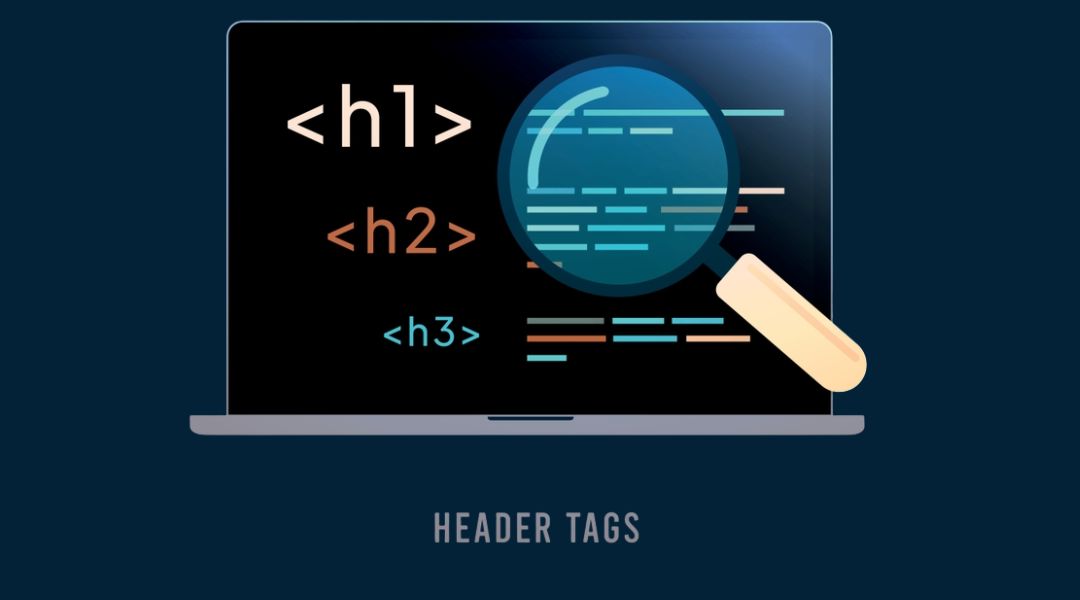
Let’s clear something up—header tags are not just formatting tools. If you’ve been using them just to make your text look “bigger and bolder,” you’re leaving value on the table.
Used properly, header tags (H1–H6) help search engines understand your content structure and help readers make sense of your page. And in 2025, with search intent and user experience mattering more than ever, they’re one of the easiest ways to boost both.
Here’s how I use them to improve readability, rank better, and avoid confusing both bots and people.
What You’ll Learn:
- What header tags (H1–H6) are and what they do
- How I use them to structure content for SEO and usability
- Common header tag mistakes I see—and fix
- Best practices for balancing clarity, keywords, and structure
If you’re just starting with on-page SEO, check out my beginner’s guide here before diving in.
What Are Header Tags, Exactly?
Header tags are HTML tags used to define headings and subheadings on a page:
- <h1> is your main headline—used once per page
- <h2> marks your main sections
- <h3> supports your H2s (like sub-sections)
- H4–H6 exist too, but I rarely go that deep
These tags aren’t just for visual hierarchy—they tell Google what each section of your content is about, and they help users navigate through your content more easily.
Why Header Tags Matter for SEO

Here’s how I explain it to clients: search engines are like speed-readers. They’re scanning your page fast to figure out if it matches a query.
Header tags give them signals like:
- What the topic is (H1)
- What subtopics are covered (H2)
- How the ideas are related (H3–H6)
If you’ve done it right, Google understands the structure immediately. This can help:
- Improve keyword relevance
- Qualify you for featured snippets
- Keep readers engaged longer (lower bounce rate = higher trust)
Need more on improving structure? I talk about it more in this content structure guide.
Why Header Tags Matter for Readability
Humans are scanners. Even if you write a masterpiece, if it looks like a wall of text, people bounce.
Here’s how I use headers to fix that:
- Break up long content into clear, bite-sized chunks
- Use headers to walk readers through the flow of the topic
- Help skimmers quickly decide which section to read (or skip)
A well-structured page feels easier to read. That means visitors stay longer, find what they need faster, and trust your content more.
How I Use Each Header Tag

H1: The Main Title (Used Once)
Think of your H1 as the name on the front of the book. It should:
- Be unique to the page
- Include the main topic or keyword naturally
- Not be duplicated anywhere else on the page
If I’m writing a post called “SEO for Beginners,” my H1 will likely match the page title exactly—or be a slightly expanded version.
H2: Section Headers
These are my go-to for organizing main points. I use H2s to divide the content into major sections—just like you see in this post.
Each H2 introduces a unique section of value, like:
- Why headers matter
- Common mistakes
- How I write them
I keep them simple, keyword-supportive, and helpful.
H3: Sub-Sections and Lists
I use H3s to go a level deeper—usually under an H2—when I’m explaining step-by-steps or categorizing parts of a section.
For example, under an H2 like “How I Use Each Header Tag,” I’ll use H3s for “H1”, “H2”, “H3”, and so on. Like I’m doing here.
H4–H6: Rarely, and Only When It Makes Sense
I almost never use H4 through H6 unless I’m writing highly technical or layered content. They exist, but if you’re using them regularly, your page might be getting too complicated.
If you do use them, use them consistently and never skip levels (don’t jump from H2 to H5, for example).
Keyword Use in Headers (Without Overdoing It)
Yes, I use keywords in headers—but only where it makes sense.
Here’s my rule:
- Main keyword in H1
- Supportive keywords in one or two H2s
- Secondary terms in H3s if they fit naturally
- Never stuff, repeat, or overthink
I treat each heading like a label: what would I call this section if I was showing it to a first-time reader?
If it sounds natural and useful, I’m probably on the right track.
Common Header Tag Mistakes I See (Too Often)

Let’s get a few things off my chest:
Multiple H1 Tags
Nope. One per page, always. Having multiple H1s confuses crawlers and waters down the signal.
Using Header Tags Just for Styling
This is a design issue I see a lot. Someone uses an H2 because it “looks nice,” not because it makes sense structurally.
If it’s just for size, use CSS—not heading tags.
Keyword-Stuffed Headings
It doesn’t help, and it looks terrible. “Best SEO Meta Tags Header Optimization Tips Guide 2025” doesn’t help anyone.
Missing Headings Altogether
If you’re writing 1,000+ words with no headers, please stop. Give your readers a map.
My Header Writing Checklist
Before I publish anything, I check:
- Only one H1
- Clear H2s for major sections
- Logical use of H3s under H2s
- No skipped levels (e.g., H2 to H5)
- Headers include keywords naturally (not awkwardly)
- Headers reflect the structure of the content
I also do a final scan to see if the outline makes sense on its own. If someone only read the headers, would they understand the flow?
Final Thoughts
Header tags might seem like small details—but they shape how your content performs.
They help people read. They help search engines crawl. They create a structure that makes your page easier to understand, index, and rank.
If you’re treating them as decorative tools instead of strategic elements, you’re missing an easy win.
Clean them up, use them well, and you’ll see the difference—not just in rankings, but in how people engage with your content.
Need help reviewing your content structure or header setup? That’s part of what I handle when optimizing content. And trust me, it’s one of the easiest wins in SEO.



