Tracking conversions on a single platform is tough enough. Tracking them across multiple platforms—Google Ads, Meta, LinkedIn, email, your website—is where most marketers start to lose visibility and control.
That’s where cross-platform conversion tracking becomes essential.
If your customer journey spans several touchpoints (and let’s face it, it does), you need a unified way to measure what actually drives results—not just what gets the last click.
In this guide, I’ll walk you through how I set up and manage cross-platform conversion tracking that keeps data accurate, actionable, and aligned across the board.
What you’ll learn:
- What cross-platform conversion tracking means (and why it matters)
- How I track conversions across Google, Meta, and more
- Tools that make cross-platform tracking easier
- Best practices to avoid duplication and data loss
- How to align platforms with your GA4 or CRM data
What Is Cross-Platform Conversion Tracking?
Cross-platform conversion tracking is the process of monitoring and attributing user actions across different marketing channels and platforms—from first touch to final conversion.
That includes:
- Paid search (Google Ads, Bing)
- Paid social (Meta, LinkedIn, TikTok)
- Email
- Organic content
- Landing pages
- Your CRM and backend
Each platform loves to take full credit. But when you step back, the actual conversion path usually looks more like this:
Facebook ad → blog article → Google search → landing page → email sign-up → demo request
You need to see the full path to optimize correctly.
Why Cross-Platform Tracking Matters
Without it, you risk:
- Double-counted conversions
- Over-credited platforms
- Underreported sources
- Misguided budget decisions
- Wasted spend on the wrong channels
Most importantly, you’ll struggle to answer this question:
“Which touchpoints really moved the needle?”
Need help defining what a meaningful conversion looks like? Start here.
Key Tools I Use for Cross-Platform Tracking
You don’t need to reinvent the wheel—but you do need the right tools in place.
1. Google Tag Manager (GTM)
Centralizes tracking setup across platforms. I use GTM to manage:
- Google Ads tags
- Meta Pixel
- LinkedIn Insight Tag
- Custom events (form submissions, clicks, scrolls)
2. Google Analytics 4 (GA4)
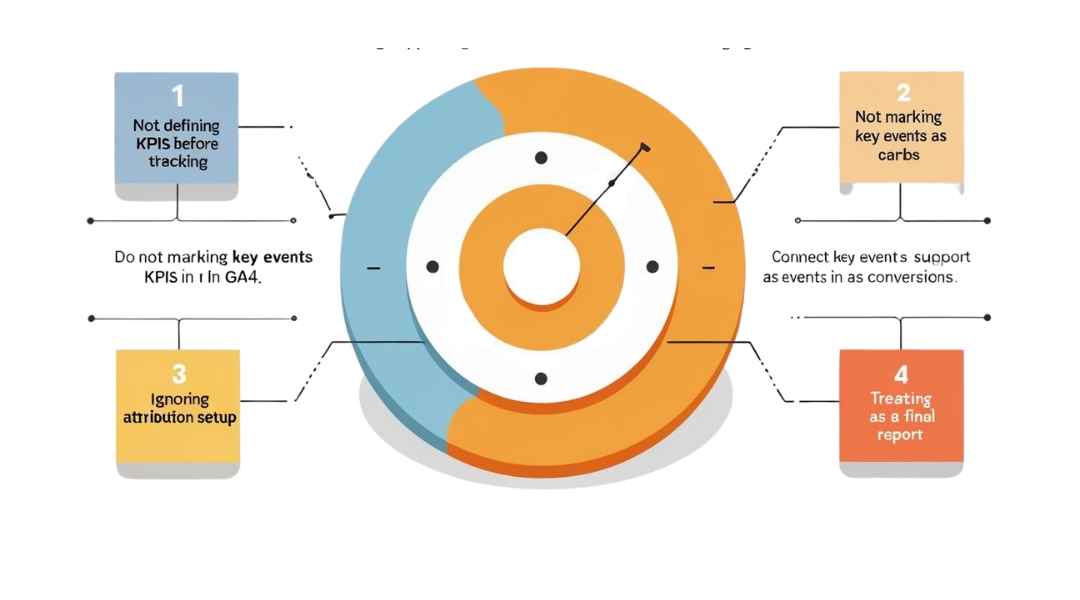
Your analytics hub. It aggregates event data and conversion activity, allowing you to compare sources, mediums, and paths.
3. UTM Parameters
Critical for identifying traffic sources. Every campaign link should include consistent UTM tagging (especially for email, paid social, and influencer traffic).
Need a guide on UTMs? I break it down here.
4. Meta Events Manager + Conversions API
Tracks on-site actions from Meta ads—especially helpful when browser tracking is blocked.
5. CRM Integration
This is your source of truth for real business outcomes. I integrate GA4 or ad data with CRMs like HubSpot or Salesforce to track full-funnel ROI.
Best Practices for Cross-Platform Conversion Tracking
1. Start With Unified Conversion Definitions
Make sure each platform is tracking the same conversion in the same way.
For example:
- Define a “lead” as a completed form—not just a click
- Define a “purchase” as payment confirmation—not checkout initiation
If platforms track conversions differently, your reports will never align.
2. Centralize Event Management in GTM
Use one system (like Google Tag Manager) to control event firing across platforms.
This prevents:
- Duplicate tracking
- Conflicting triggers
- Inconsistent data
Keep your events labeled clearly (e.g., form_submit, purchase, trial_start) and reuse them across tags.
3. Avoid Double-Counting
If both GA4 and your ad platform are tracking the same event, count it once.
Common traps:
- Counting form submissions via GA4 and Google Ads simultaneously
- Meta Pixel + GA4 both logging a purchase from one action
To fix it:
- Tag once, report twice (GA4 + platforms)
- Use filters and deduplication rules where possible
If your data feels inflated, check for these common tracking mistakes.
4. Use Consistent UTM Tagging Across Platforms
Your traffic source data is only as clean as your UTM tags.
Tips:
- Use lowercase (e.g., facebook, not Facebook)
- Standardize your mediums (cpc, email, organic)
- Track by campaign, ad group, and even creative if needed
This allows GA4 to attribute conversions back to specific channels—without guesswork.
5. Use Conversion APIs (Meta, TikTok, etc.)
Browser tracking is increasingly blocked due to privacy settings and ad blockers.
To keep conversion data accurate:
- Implement Meta Conversions API alongside your Pixel
- Use Google Enhanced Conversions for Ads
- Send server-side events where possible
These methods improve attribution accuracy—especially for remarketing and lookalike modeling.
6. Cross-Check with GA4 Conversion Reports
Even if platforms report their own conversions, GA4 lets you see the full picture.
Check:
- Source/medium for each conversion
- Time lag to conversion
- Path length (number of interactions before converting)
This helps identify under-credited but essential touchpoints—like organic search or email.
More on how I use GA4 for cross-platform insights here.
7. Sync Ad Platforms with CRM for Real ROI
Clicks and leads are nice. Revenue is better.
If your CRM tracks deal value, connect it back to your platforms by:
- Using UTM parameters in lead forms
- Assigning lead sources in your CRM
- Importing offline conversions into Google Ads or Meta
This helps platforms optimize for revenue—not just surface actions.
8. Audit Monthly and Update as Needed

Cross-platform setups break easily.
I run monthly audits that check:
- GTM tag health
- GA4 event accuracy
- CRM data syncs
- UTM link compliance
Because nothing kills optimization like tracking the wrong thing—or tracking nothing at all.
Final Thoughts
Cross-platform conversion tracking is complex—but manageable. And the payoff is worth it. Better attribution, smarter spending, and campaigns that actually move the needle.
Start with clean events. Track consistently. Sync your platforms. And always check that your definition of “success” stays the same across every touchpoint.If you’re building your cross-platform stack from scratch, this complete guide is a great place to start.