Headers aren’t just for visual flair.
They’re one of the simplest and most powerful ways to make your content both search engine-friendly and easy to read.
Whether you’re writing a blog post, landing page, or service page, your headers serve two key functions:
- They help search engines understand your content structure.
- They help users skim, scan, and stay engaged.
In this post, I’ll show you exactly how I format headers (H1–H6) to improve rankings, readability, and content performance—without turning everything into an over-optimized mess.
What You’ll Learn:
- Why headers matter for SEO and UX
- My best practices for formatting H1–H3 tags
- How to write headers that both inform and engage
- Common header formatting mistakes (and how I avoid them)
If you’re new to headers and how they work, start with this breakdown of header tag structure, then come back for the practical tips.
Why Proper Header Formatting Is So Important
Here’s what I always remind clients:
Your content isn’t being read—it’s being scanned.
If your headers aren’t doing their job, users bounce. And when users bounce, rankings suffer.
Headers matter because they:
- Create structure for both humans and search engines
- Allow skimmers to find what they need instantly
- Make long content more digestible
- Help pages qualify for featured snippets (when used strategically)
When I see pages without proper headers, I already know they’re underperforming.
How I Format Headers for SEO and Readability
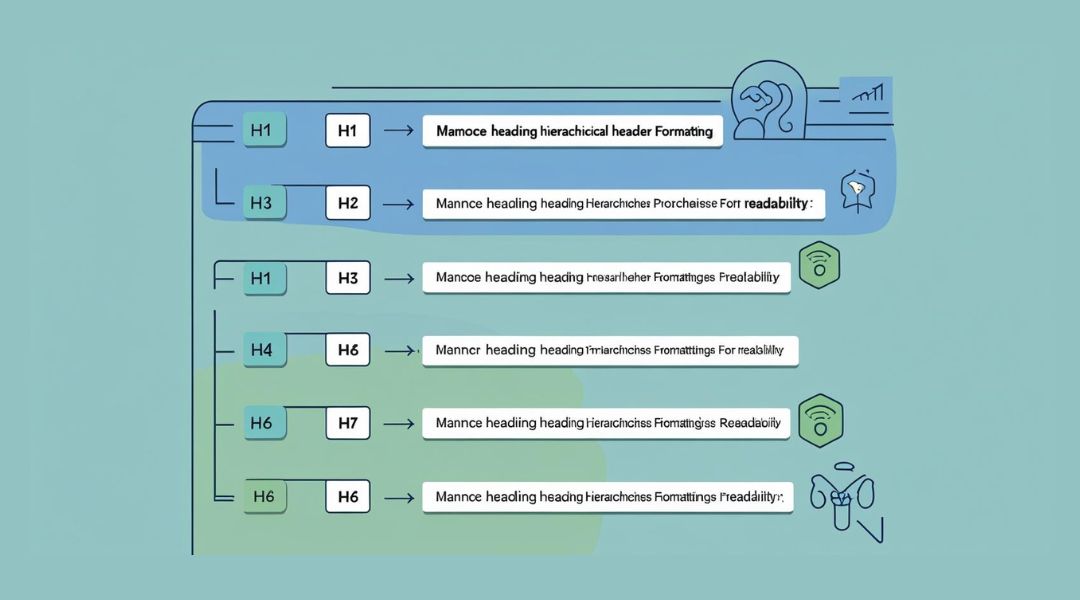
Let’s break it down by level.
H1 Tag: One and Done
Your H1 is your main headline—used once per page. It tells users (and Google) what the entire page is about.
My rules for H1:
- One per page only
- Matches or closely mirrors the title tag
- Includes the primary keyword naturally
- Written for humans first
Example H1:
How to Format Headers for SEO-Friendly, Skimmable Content
Make it clear, specific, and aligned with the page’s core topic.
H2 Tags: Section Dividers
H2 tags break your page into logical, standalone sections.
Think of them like chapter titles in a book. Each H2 should introduce a new idea or step that relates to the main H1.
My H2 formatting tips:
- Use 3–5 H2s to create a strong page outline
- Include relevant secondary keywords (if it fits naturally)
- Keep them short and clear—aim for 60–70 characters
- Answer reader questions directly
Examples:
- What Makes Headers Important for SEO?
- Formatting H2 Tags for Readability
- Common Mistakes to Avoid
H3 Tags: Supporting Details
I use H3 tags under H2s to break down subpoints or processes.
When I use H3s:
- Explaining steps in a process
- Listing examples or best practices
- Breaking up long explanations into digestible bits
H3s make your content feel layered—but in a good way.
Example:
H2: How I Format H2 Tags
H3: Add Action Words
H3: Keep Them Short
H3: Align with Reader Intent
How to Write Headers That Actually Help Readers

It’s not just about tags—it’s about content strategy. Your headers should:
- Act as guideposts
- Summarize the section clearly
- Spark curiosity (but not clickbait)
- Help the reader navigate quickly
Bad header: “Section Two – Deep Thoughts”
Better header: “How to Break Long Content Into Readable Sections”
Each header should tell the reader what they’re about to learn—and why they should care.
Keyword Use in Headers: Just Enough
I include the primary keyword in the H1 and a related term in one or two H2s. That’s it.
I don’t force exact-match keywords. Instead, I:
- Use variations or synonyms
- Focus on aligning with user intent
- Keep the language conversational
For a deeper breakdown, check how I handle keyword placement in content.
Header Tag Hierarchy: Don’t Skip Levels
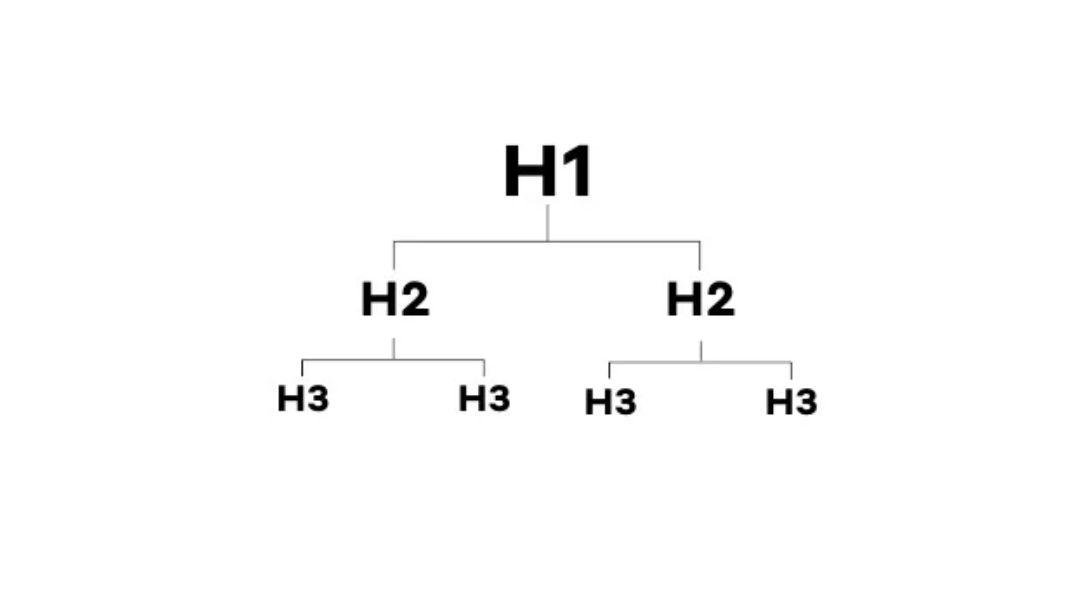
This one’s easy to get wrong—especially if you’re focused more on design than structure.
Correct usage:
- H1: Page title
- H2: Major section
- H3: Subsection or point under that section
- H4: Rarely used, but fine for complex breakdowns
- H4: Rarely used, but fine for complex breakdowns
- H3: Subsection or point under that section
- H2: Major section
Incorrect usage:
- H1
- H3
- H5
(That structure is a mess for bots and humans alike.)
- H5
- H3
Stick to the natural order. If a section doesn’t need a subheading, don’t force it.
Formatting Tips for Skimmability
Beyond the tag itself, here’s how I format headers for max impact:
Use Consistent Capitalization
Title case or sentence case—just pick one and stick with it across the site.
Keep It Concise
I aim for 5–9 words. If it takes a full sentence, it probably belongs in the paragraph, not the heading.
Add Visual Separation
Make sure your CMS or theme clearly styles headers differently from body text. Bold, larger, and spaced—clean and easy to spot.
Include Formatting in the Draft
I write headers as headers, even in outlines. This helps keep my writing organized and aligned with the final structure.
Common Header Formatting Mistakes (I Fix All the Time)
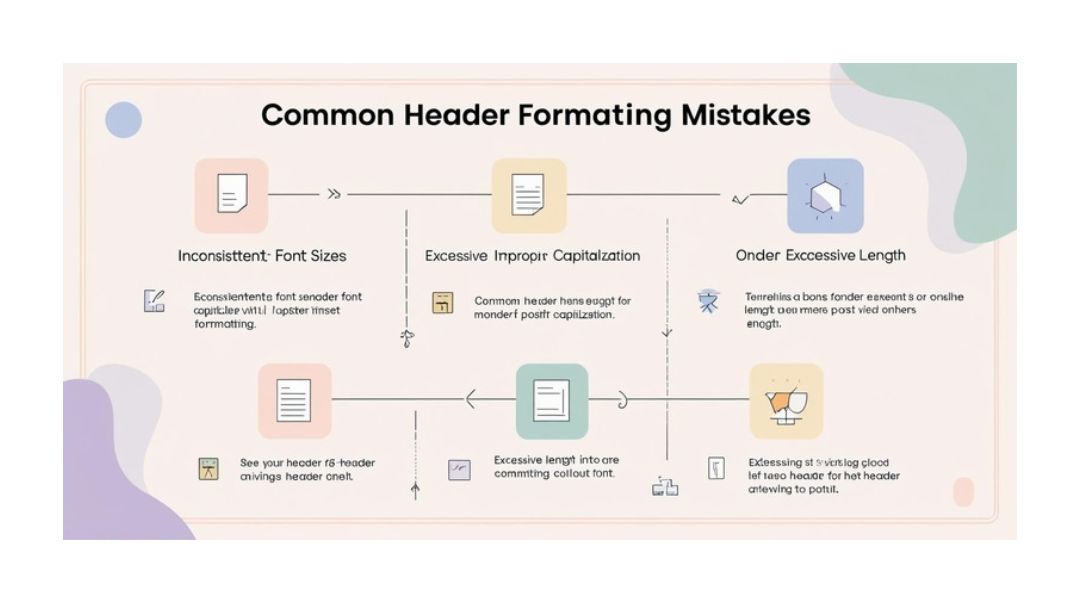
Using Headers for Styling
Designers love this one—making something an H2 just to make it big. But doing this breaks structure.
Fix: Use CSS for styling. Use header tags for content hierarchy only.
Repeating the Same Header Across Pages
Every H1 and primary H2 should be unique to that page. Duplicate headers confuse Google and reduce your chances of ranking.
Headers That Say Nothing
“Introduction” or “Section Two” won’t help your reader—or your rankings.
Fix: Write headers that describe the content clearly. Treat them like mini headlines.
Keyword-Stuffing Every Header
If every heading includes the keyword in the exact same way, it’s obvious. And it looks desperate.
Fix: Use variations. Let the reader (and Google) get the message naturally.
My Header Formatting Checklist
Before I hit publish, I check:
- One H1 tag only
- H2s break the content into clear, logical sections
- H3s used for subpoints under H2s
- Keywords are used sparingly, not stuffed
- Headers are skimmable, descriptive, and helpful
- Tag hierarchy flows correctly (no skips)
If I can check all of these, I know the content is solid—for both people and search engines.
Final Thoughts
Headers aren’t just labels. They’re signals—telling your audience what matters and telling Google what your content is about.
Well-formatted headers:
- Help readers find what they’re looking for
- Improve engagement and scroll depth
- Support higher rankings through structure and clarity
If your content looks like one long block of text, or your headers are all over the place, you’re likely missing out on both traffic and trust.
Want help reviewing or rewriting your header structure? That’s something I do on every on-page optimization project—because good headers aren’t optional anymore.