
I’ve seen it more times than I can count—a business has the vision, the budget, and even the channels in place, but their tools? A tangled mess of software that doesn’t talk to each other, collects data in silos, and slows the entire strategy down.
The truth is, a strong omnichannel strategy isn’t just about platforms or messaging. It’s about having the right tools to plan, connect, automate, and measure across your customer journey—without reinventing the wheel (or pulling your hair out).
In this guide, I’ll walk you through the top tools I actually recommend and use with clients when building and executing omnichannel strategies that work. From journey mapping to real-time analytics, this is your toolkit.
What You’ll Learn in This Guide
- The categories of tools every omnichannel team should consider
- Specific platforms I recommend (and why)
- Tools for mapping, execution, data, and personalization
- How to avoid overstacking and focus on what matters
- Where to begin—even if you’re starting from scratch
Before You Dive Into Tools, Define the Strategy
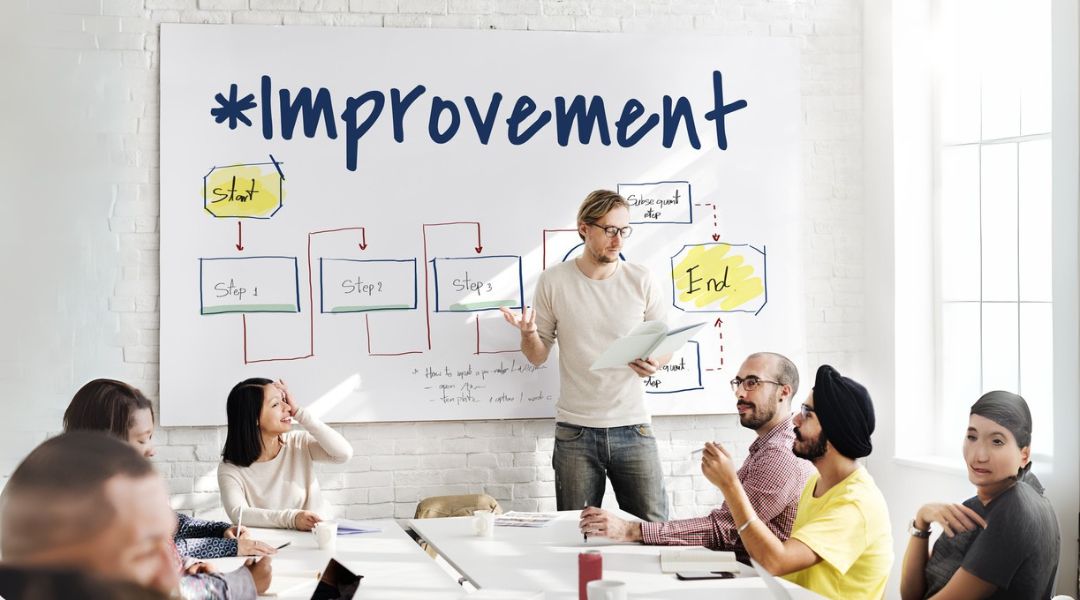
One of the biggest mistakes I see is starting with tools before knowing what you’re trying to do.
Before choosing anything, ask:
- What customer journey are we trying to build or improve?
- Which channels matter most to our audience?
- Where are the gaps in experience or data?
Once you’re clear on that, it’s time to build the right tech stack to support it—not overload it.
Need help with the foundational strategy? Start here:
https://mkh.llc/build-omnichannel-strategy
Tool Category 1: Customer Journey Mapping
Let’s start at the beginning. You can’t build an effective strategy without clearly mapping out the customer journey—from awareness to loyalty.
Recommended Tools:
Smaply
A dedicated customer journey mapping tool. Drag-and-drop simplicity with persona creation, stakeholder mapping, and multi-channel journey views.
Lucidchart
Not built specifically for marketing journeys, but excellent for teams who need visual flexibility. Integrates well with Google Workspace and other enterprise tools.
Miro
A whiteboard tool that supports visual collaboration. Great for cross-functional teams during strategy planning. Can get messy if not organized well.
These tools help you visualize where messaging breaks, where handoffs fail, and where customers drop off. It’s the strategy blueprint.
Tool Category 2: CRM and Customer Data Platforms (CDPs)
You need one source of truth for customer data—tracking behavior, purchases, preferences, and interactions across channels.
Recommended Tools:
HubSpot CRM
User-friendly, flexible, and packed with automation features. Great for B2B and mid-sized B2C teams looking for an all-in-one solution.
Salesforce
A robust choice for enterprises or teams with complex sales processes. Deep customization options, but requires proper setup.
Segment (CDP)
If you’re managing data from multiple sources (website, app, email, ads), Segment consolidates everything and feeds it into tools you already use.
A central data hub ensures you’re not guessing where someone is in the journey—you know.
Tool Category 3: Marketing Automation and Campaign Execution
Once your strategy is mapped and data is centralized, you need tools that can execute coordinated campaigns across platforms.
Recommended Tools:
Klaviyo
Especially strong for eCommerce brands. Excellent for email and SMS automation, powerful segmentation, and integrations with Shopify and beyond.
ActiveCampaign
Great for service-based and B2B companies. Built-in CRM, automation maps, and powerful personalization options.
Mailchimp
Still useful for smaller teams or those just getting started. Clean UI and basic automation capabilities, though limited compared to others.
These tools should allow you to trigger messages based on behavior, not just a schedule.
Tool Category 4: Real-Time Analytics and Attribution

You can’t manage what you don’t measure. And in omnichannel marketing, understanding which channels are actually contributing to results is non-negotiable.
Recommended Tools:
Google Analytics 4 (GA4)
A must-have for any business. Tracks website and app performance, conversion paths, and user behavior. Just make sure it’s properly set up (which it often isn’t).
Mixpanel
More advanced behavioral tracking, especially helpful for SaaS and product-based teams. Allows you to see where users drop off or convert across multi-step funnels.
Hotjar
Not for data—but for insight. Heatmaps, session replays, and on-site feedback give you direct visibility into how people are experiencing your brand across pages.
Tool Category 5: Personalization and Onsite Experience
Customers expect experiences to adapt based on who they are and what they’ve done. Personalization is no longer a luxury—it’s an expectation.
Recommended Tools:
Dynamic Yield
Used by larger eCommerce brands for deep personalization. Offers A/B testing, behavioral targeting, and real-time product recommendations.
RightMessage
Lightweight tool that lets you personalize your website messaging based on data or referral source. Good for lead-gen or content-driven sites.
Optimizely
Originally focused on A/B testing, now a full experimentation platform. Great for testing variations of messaging across touchpoints.
These tools help ensure your brand doesn’t deliver a one-size-fits-all experience—especially for returning users.
Tool Category 6: Support and Engagement
Customer support is part of your omnichannel strategy—whether you like it or not. It’s a key moment in the journey that can make or break loyalty.
Recommended Tools:
Zendesk
Reliable, scalable, and built for omnichannel support (email, chat, phone, social). Integrates with most CRM and marketing platforms.
Intercom
Great for SaaS and product-driven teams. Combines live chat, onboarding flows, and proactive engagement in one platform.
Gorgias
A favorite for eCommerce teams. Focuses on fast, integrated support across channels like Instagram, email, and SMS.
If your marketing and support aren’t aligned, the experience breaks the moment something goes wrong.
Tool Category 7: Internal Collaboration and Workflow
Execution falls apart when teams aren’t aligned internally. Your tools should make cross-functional work easier, not harder.
Recommended Tools:
Slack
Still the go-to for fast communication. Use integrations to trigger updates (campaign launches, lead activity, support escalations).
Asana or ClickUp
Project management platforms that keep omnichannel campaigns organized. Assign tasks, track creative assets, and ensure deadlines stay visible.
Notion
Perfect for strategy documentation, process templates, and campaign planning. Keeps brand voice guides, personas, and messaging frameworks in one place.
Alignment internally shows up as alignment externally—this is how you get there.
How to Avoid Overstacking (and Still Scale)

Having too many tools is just as bad as having too few. Here’s what I recommend:
- Start with your customer journey map
Identify where you’re losing people or creating confusion. - Centralize your data
Pick one CRM or CDP that becomes your source of truth. - Choose tools that integrate easily
If it doesn’t connect, it slows you down. - Automate based on behavior, not just timing
Customers should trigger the next step, not your calendar. - Evaluate quarterly, not yearly
Your tool stack should evolve with your strategy, not stay static out of habit.
Final Thoughts
Your omnichannel strategy is only as strong as the systems that support it. Without the right tools in place, your message becomes fragmented, your data becomes unreliable, and your execution slows down.
But with the right toolkit—tailored to your needs, not trends—you gain visibility, alignment, and momentum.
Start small. Choose tools that talk to each other. Build around your customer journey, not a vendor pitch.Ready to explore the stack I recommend and use? Here’s the list:
https://mkh.llc/omnichannel-tools