


Google isn’t just ranking pages based on content and backlinks anymore. It’s watching how users interact with your site—and how frustrating that experience might be.
Core Web Vitals are Google’s way of measuring real-world performance. And in 2025, they’re not optional. They’re baked into the algorithm—and yes, they affect your visibility.
Let me break down exactly what these metrics are, how they work, and what I do to improve them on every site I touch.
What You’ll Learn in This Article
Here’s what I’ll walk you through:
- What Core Web Vitals actually are (without the jargon)
- How they tie into your site’s SEO performance
- What tools I use to measure and fix them
- What causes low scores (and how to fix those issues)
- How I help clients hit target benchmarks that Google likes
What Are Core Web Vitals?
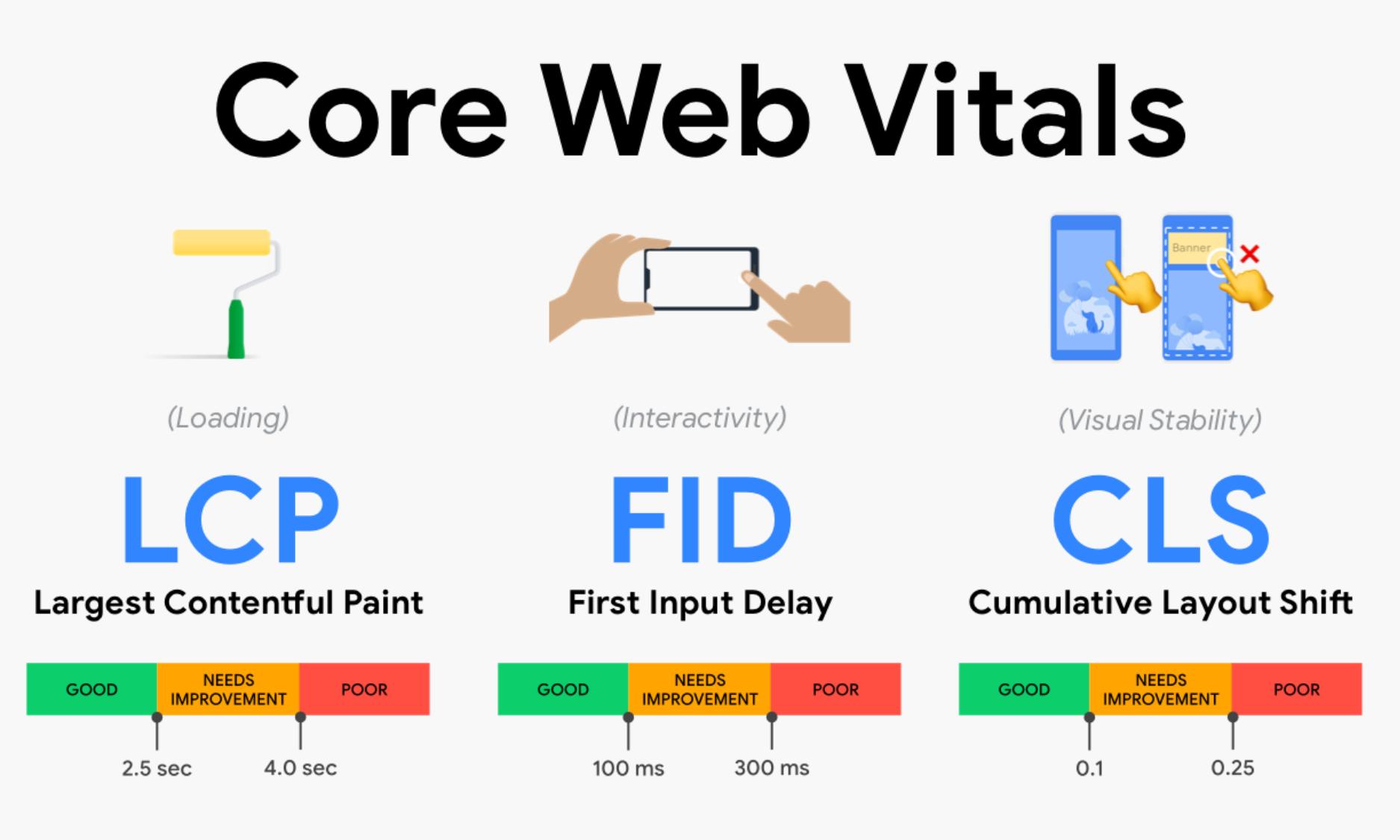
Core Web Vitals are three specific metrics Google uses to assess user experience:
- LCP (Largest Contentful Paint): How fast your main content loads
- INP (Interaction to Next Paint): How quickly your site responds to user interactions
- CLS (Cumulative Layout Shift): How stable your layout is while loading
These aren’t lab-only scores. They’re real user data pulled from Chrome.
Google doesn’t just care if your page loads—it cares how it loads.
Why They Matter for Rankings
Since the Page Experience update, Google has confirmed that good Core Web Vitals contribute to better rankings—especially when there’s content parity between you and your competitors.
Here’s what I’ve seen:
- Sites with strong Core Web Vitals often see higher click-through rates
- Poor metrics can reduce how often your pages are shown (especially in mobile results)
- A solid CWV score often boosts indexation frequency and crawl priority
It’s not the only ranking factor—but it’s one of the few you can directly control.
How I Measure Core Web Vitals (Without Guesswork)
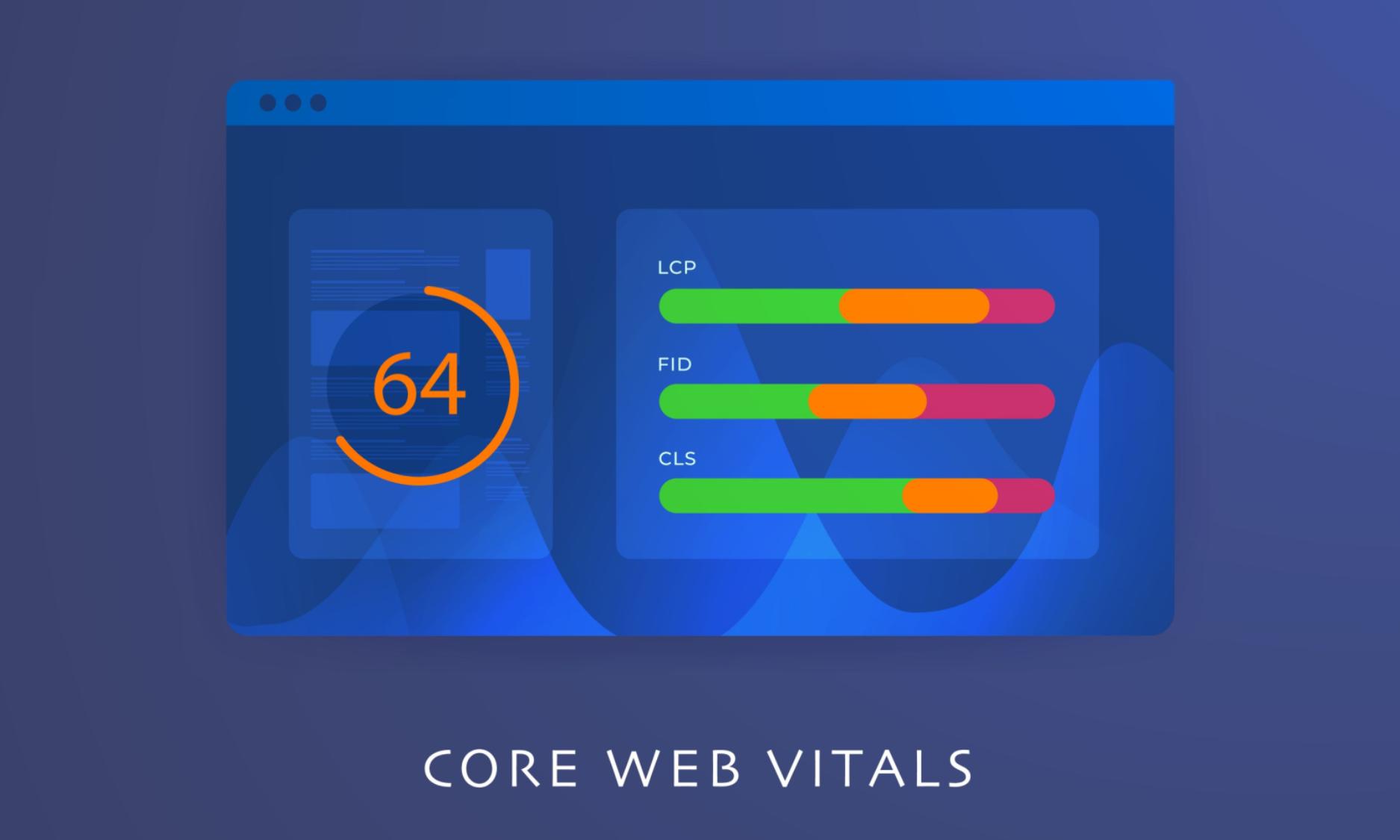
Here’s my go-to toolkit:
- PageSpeed Insights – for CWV metrics and actionable suggestions
- Lighthouse (Chrome DevTools) – for local testing and debug details
- WebPageTest – for visual load tests and geographic performance
- Search Console (Core Web Vitals Report) – for real-world user data
- GTmetrix – for waterfall analysis and LCP diagnostics
I never rely on just one tool. I look at both lab and field data—because that’s how Google evaluates your site.
What’s Slowing You Down? Common Issues I Fix
Let’s talk real-world problems that tank CWV scores:
LCP (Largest Contentful Paint) Issues:
- Huge hero images or video backgrounds
- Slow server response time (TTFB > 600ms)
- Render-blocking CSS and JavaScript
- Too many web fonts or icon libraries
INP (Interaction to Next Paint) Issues:
- Heavy JavaScript execution
- Unoptimized event handlers
- Third-party chat widgets or plugins
- Cluttered code blocking interactivity
CLS (Cumulative Layout Shift) Issues:
- Ads, images, or videos loading without dimensions
- Fonts loading late and causing layout jumps
- Lazy-loaded elements without reserved space
- Dynamic content pushing elements around
Each issue is fixable—but you have to know what to look for.
How I Optimize Core Web Vitals (Step by Step)
Step 1: Run Diagnostics
I start with PageSpeed Insights and Lighthouse. I focus on:
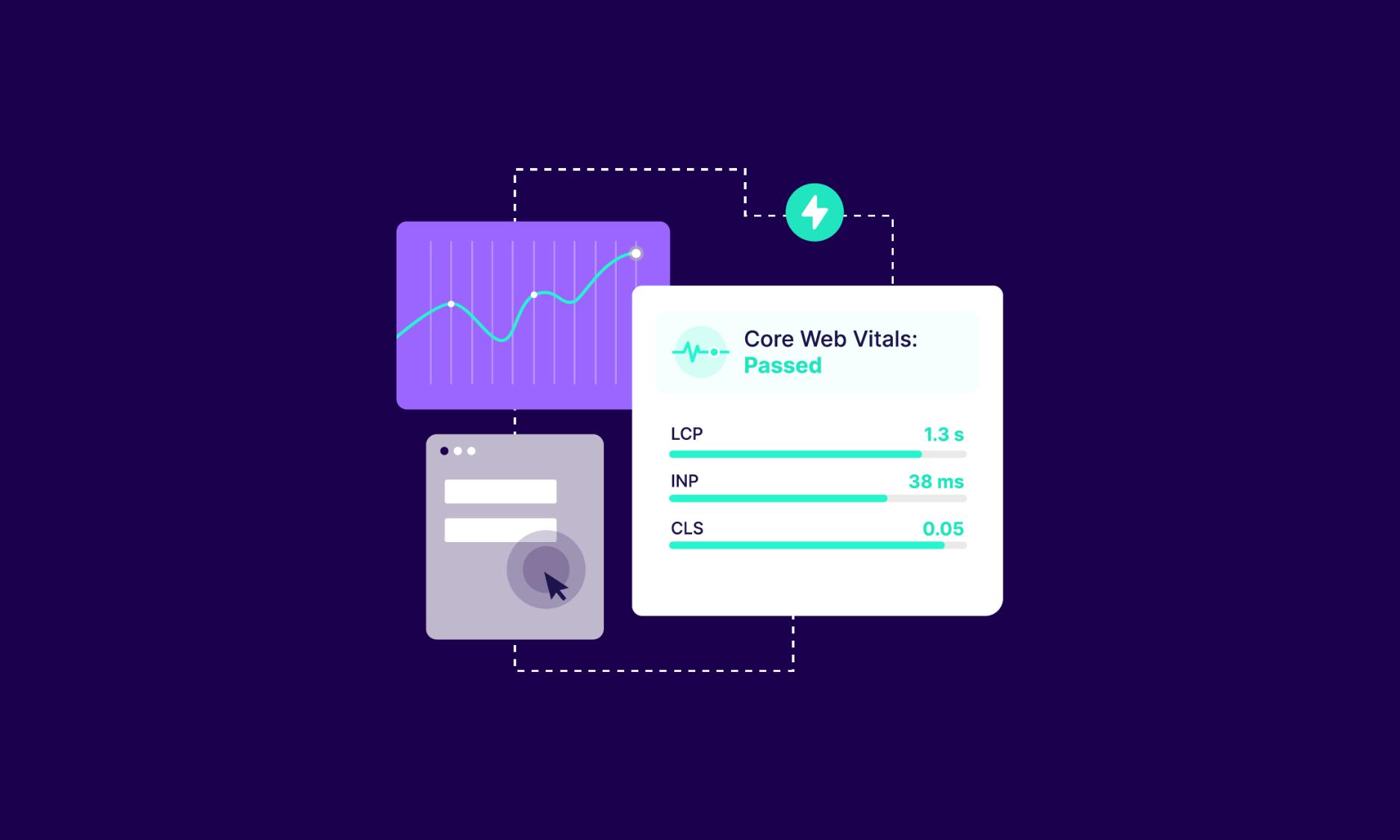
- LCP over 2.5s? It needs work.
- INP over 200ms? Definitely needs work.
- CLS over 0.1? Layout shifts are killing you.
Step 2: Fix Hosting & Delivery Bottlenecks
This includes:
- Upgrading hosting for faster TTFB
- Using a CDN like Cloudflare for global delivery
- Enabling server-level compression (GZIP/Brotli)
Step 3: Optimize Assets
I compress images, switch to WebP format, and implement lazy loading.
CSS and JS? I minify, defer, and load them strategically—so nothing blocks the first paint.
Step 4: Reserve Space for Layout Elements
To fix CLS:
- I define height/width for every image and video
- I preload fonts
- I use CSS Grid/Flex instead of absolute positioning where possible
Step 5: Re-Test and Repeat
Once the changes are live, I retest across both lab and field tools.
And I monitor Core Web Vitals in Google Search Console to track real user feedback.
How Core Web Vitals Tie Into Overall SEO Strategy
These metrics don’t live in a silo. They connect to everything:
- They support better mobile UX
- They improve user engagement, which supports SEO indirectly
- They enhance crawling and indexing—Google likes clean, fast-loading pages
- They’re measurable, reportable, and improvable—great for ongoing SEO audits
That’s why I track CWV improvements over time—not just for rankings, but to understand how users are interacting with the site.
Want to see how I tie all these pieces together?
Read my full technical SEO guide
Final Takeaway: Core Web Vitals Are Worth the Work
Here’s the thing:
Google doesn’t just care what your site says. It cares how your site feels.
And Core Web Vitals are how it measures that.
They’re not about perfection. They’re about performance.
If your rankings are flat, your bounce rate is high, or your content never seems to catch on—run a CWV audit.
Fix what’s slow, broken, or unstable. Then monitor the results.
You don’t need to be perfect. But if you want to stay visible, you do need to be fast, responsive, and clean.I break this all down in detail here: Core Web Vitals and SEO



